
Submagic
Visit submagic.co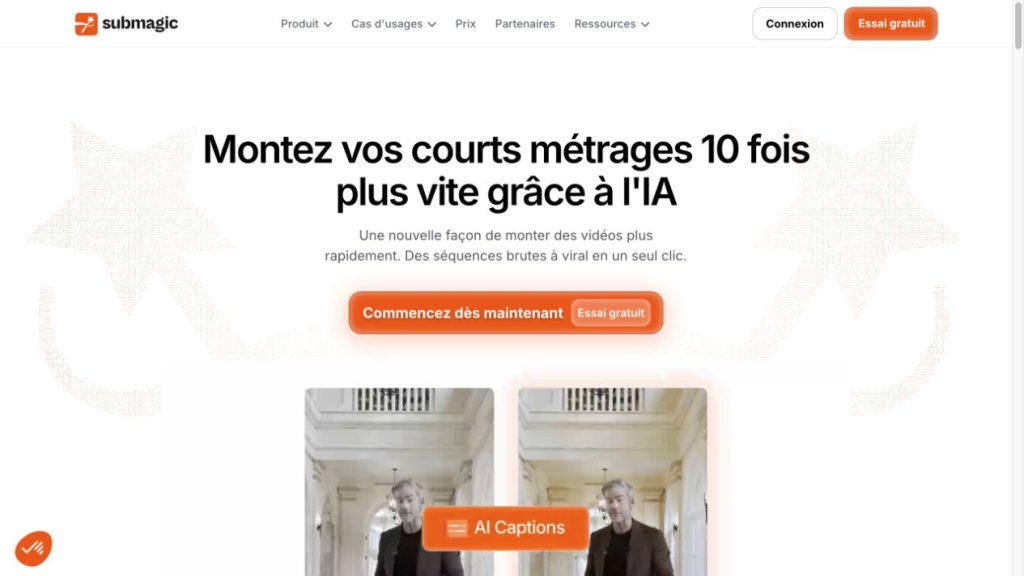
Submagic review: a practical finishing tool for short videos
Submagic is most useful when you already have footage and want to turn it into a polished short. Animated captions, tighter cuts and supporting visuals sit at the heart of its appeal. It makes more sense for a regular stream of talking-head clips than for someone who needs a full editing suite for a film.
Our verdict: shortlist it for recurring social-video work. Choose a plan around the length of your recordings and the number of videos you actually publish, rather than the promise of going viral.
Affiliate disclosure: BestAIRank may earn a commission if you subscribe through our links. This review is based on official product information and public demonstrations; we have not completed a hands-on editing test.
What you can do with Submagic
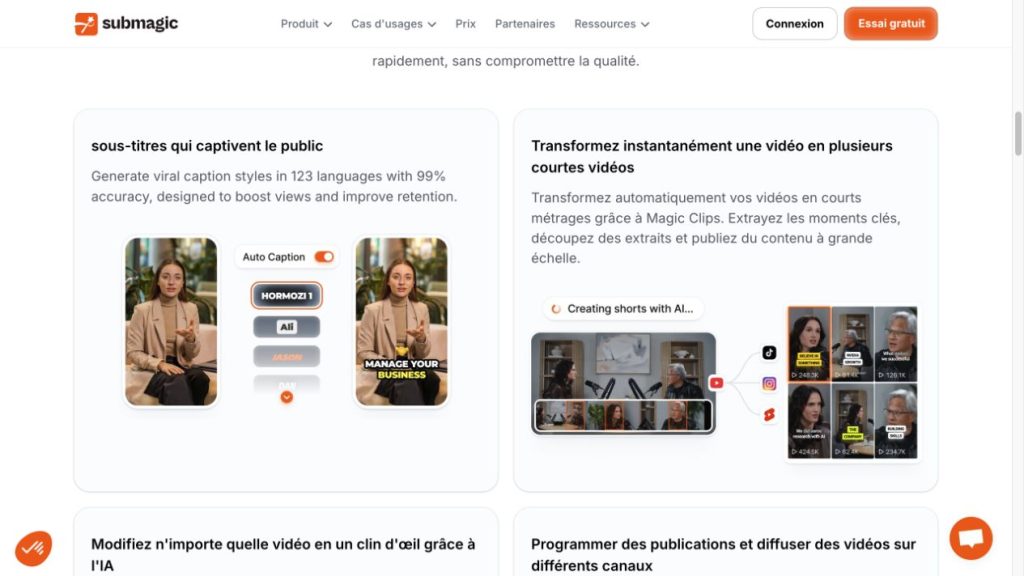
The product combines automatic captions with short-form editing tools. Depending on the plan, these include text-based trimming, silence and bad-take removal, audio cleanup, auto zooms, B-roll, brand assets and social publishing. Magic Clips handles the separate task of finding short excerpts in longer footage.
That distinction matters: selecting a good moment and making that moment look finished are two different jobs. Submagic is worth assessing against the part of your workflow that currently takes the most effort.
A realistic workflow to try
Imagine a coach recording a 90-second answer to a customer question. Start with one clean take, generate captions, correct names and technical terms, and remove pauses that interrupt the explanation. Add a supporting visual only where it helps someone understand the answer.
Before exporting, watch the clip with the sound off, then with the sound on. Check caption timing, text near the screen edges and whether a fast cut has changed the meaning of a sentence. These are suggested review steps, not problems we observed in a test.
Pricing: what the plans actually allow
Official USD prices checked on October 13, 2026. Rates are per member; annual prices below are monthly equivalents billed yearly. Confirm your currency, taxes and selected options at checkout.
Starter lists watermark-free 1080p/30 FPS exports. Pro adds tools such as audio cleanup and a Brand Kit. Business lists up to 4K/60 FPS. A Custom plan is available through sales.
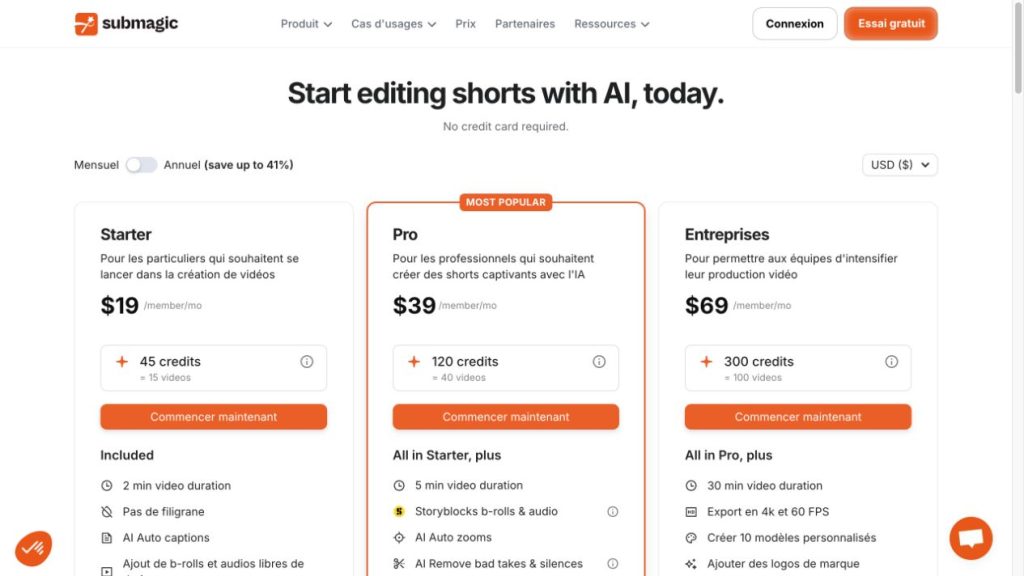
Check Magic Clips separately. Submagic’s Help Center describes it as an add-on, while the current public plan cards do not give it a clear standalone price. Confirm the in-app allowance and billing before budgeting for long-video clipping. API-minute packs are another separate cost category.
Which plan makes sense?
For three short posts a week, Starter’s published 15-video allowance gives a useful starting point, provided your footage fits its length limit. If you need to clean up longer takes or use a repeatable brand style, compare Pro. Business is more relevant when 4K delivery or a larger production volume is a real requirement.
Allow for revisions and rejected drafts in your own workload estimate. A plan’s advertised number of videos does not tell you how many pieces your audience will find worth watching.
Pros and cons
FAQ
Before subscribing: take one representative recording, decide what you want to publish from it, and check both the plan’s duration limit and the allowance shown in your account.
Sources: Submagic’s official product and pricing pages, and its Help Center. Screenshots show the public website, not results generated by BestAIRank.