
OpusClip
Visit opus.pro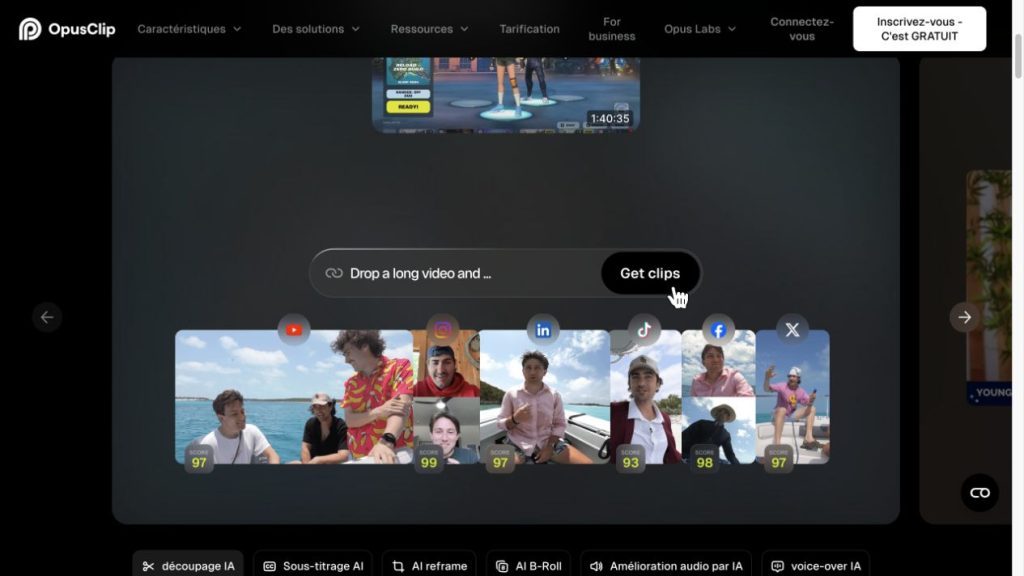
OpusClip review: turn a long recording into a shortlist of shorts
OpusClip is a useful candidate when your best material is buried inside longer videos. It proposes excerpts, reframes them for social formats and offers tools to edit and publish the results. The value is in building a manageable first selection—not in treating every proposed clip as ready to post.
Our verdict: worth shortlisting for interview, podcast and webinar repurposing. Budget around the minutes you process, then judge the output by whether each excerpt makes sense on its own.
Affiliate disclosure: BestAIRank may earn a commission if you subscribe through our links. We reviewed official documentation and public demonstrations; we have not run our own recording through OpusClip.
What happens after you import a video?
The documented workflow starts with a video upload or a supported link. You can give instructions for the excerpts you want, then refine the suggestions in the browser editor. Tools include trimming and extending clips, caption adjustments, B-roll and speech cleanup. Paid-plan options differ, especially for import sources, collaboration and publishing.
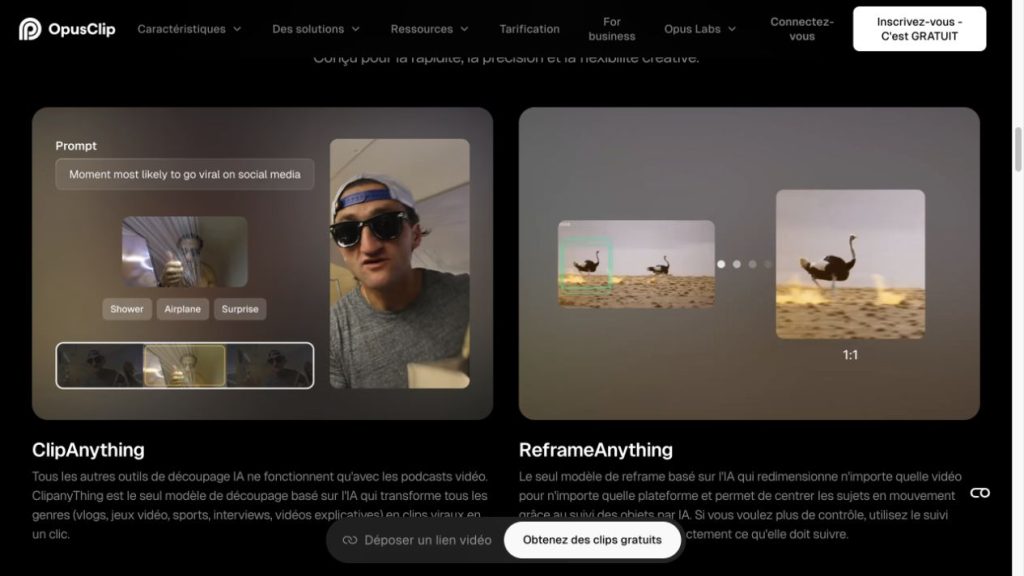
ClipAnything uses visual, audio and sentiment cues to locate moments, including material with little dialogue. ReframeAnything follows subjects and adapts framing. Those capabilities widen the use cases beyond a stationary speaker, but they are still features to evaluate on your own footage.
A concrete example: one interview, three useful posts
Suppose you have a 45-minute interview with a founder. Ask for three distinct moments: a mistake they learned from, a practical tip and a clear opinion. Start with a timeframe around the strongest part of the conversation if you already know where it is.
For each suggestion, listen to what came before and after. Replace a vague opening such as “that changed everything” with enough context for a new viewer. Check the final sentence, speaker framing and captioned names before making the publishing decision. This is a proposed workflow, not a result from a BestAIRank test.
Pricing: Free, Starter, Pro and Business
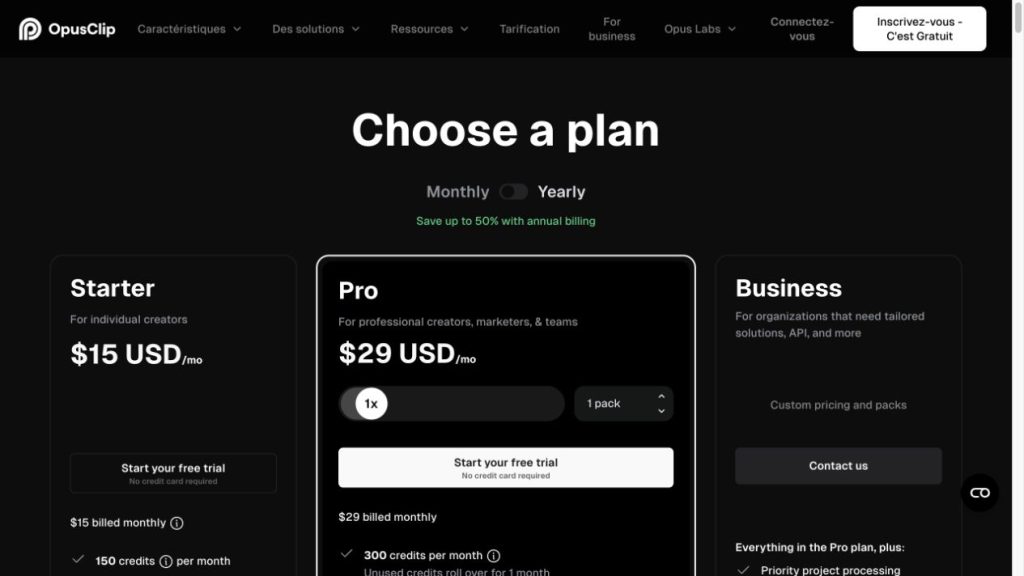
Official USD prices checked on October 13, 2026. Pro prices below refer to one pack. Check applicable taxes and your billing selection before paying.
Starter is offered with monthly billing. Pro also lists multiple aspect ratios, B-roll and exports to Adobe Premiere Pro and DaVinci Resolve. Check which features your trial actually unlocks.
Credits measure input minutes, not finished clips
The Help Center states that processing costs one credit per minute of the source video. Processing a 45-minute recording therefore uses 45 credits, whether you keep one excerpt or several. Four such recordings would use 180 credits, above Starter’s 150-credit allowance, before any other chargeable activity.
Selecting a shorter processing timeframe can reduce the amount you submit. Publishing to X has a separate credit charge. Expiry also depends on billing: the documentation says monthly-plan credits last 60 days, while annual credits are supplied for the year and expire after 12 months. Check your dashboard before relying on unused credits.
Who should choose it?
Choose it for a repeatable repurposing task: recordings come in, a person approves the best excerpts, and a publishing calendar receives them. If you only make a few already-edited short videos, the selection step may add less value. For a team, decide who owns final approval before automating distribution.
Pros and cons
FAQ
Before subscribing: list the recordings you expect to process each month and add their durations. Then check the plan’s editing, export and publishing limits.
Sources: OpusClip’s official pricing and product pages; Help Center articles on credits, ClipAnything and the Virality Score. Screenshots show public demonstrations, not our own results.